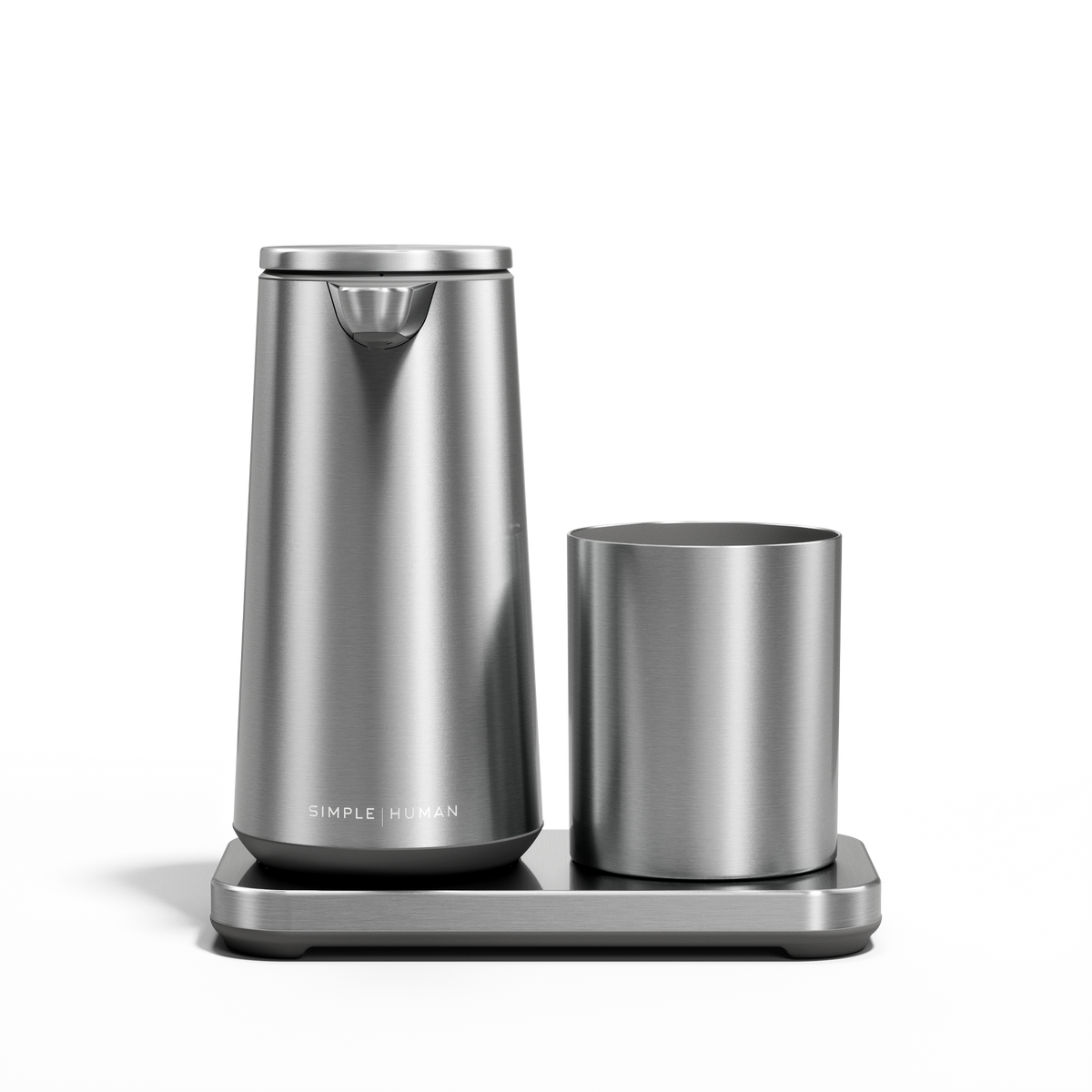

Sensor Pump Foam

Sensor Pump Foam

2-Year Warranty

Model . Choose option

Finish . Choose option

Complete the System

Choose add-on: Foaming Hand Soap
Foaming Hand Soap

summary

Total: $80 .

Sensor Pump Foam

Brushed

$80
Sensor Pump Foam Price
Ships Today Free Delivery

Product features carousel

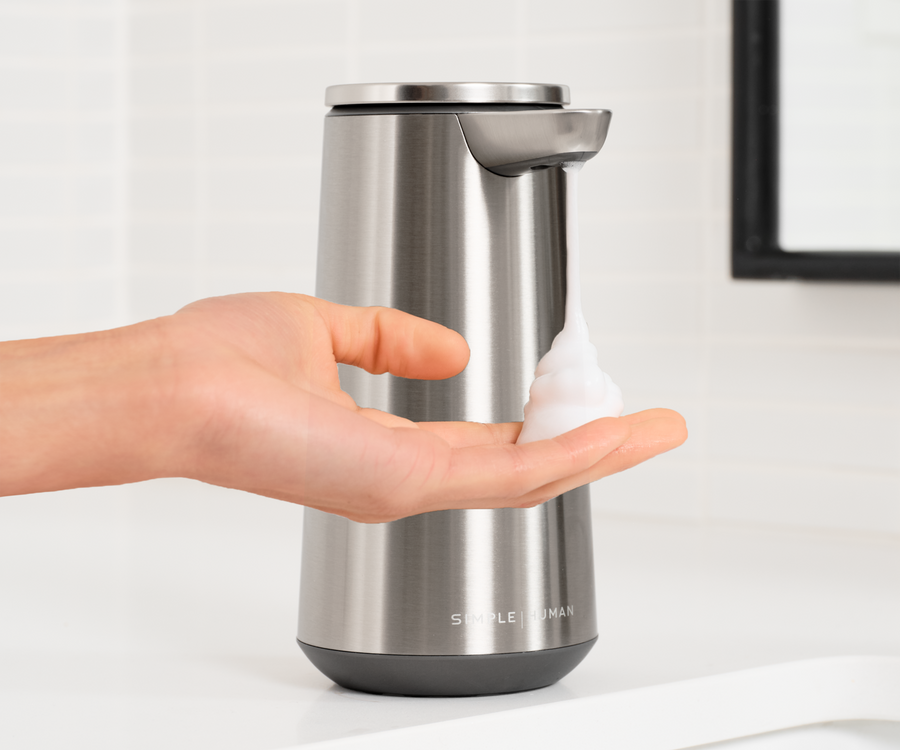
Effortless Lather

Engineered to inject just the right amount of micro-bubbles for a rich, thick foam — every time.

The Perfect Amount

Just hold your hand close for a little or farther for more with variable dispense volume control.

Clean, Quick, Easy Refill

Enjoy effortless refills through the wide opening, compatible with any foam soap of your choosing.

Long-Lasting Charge

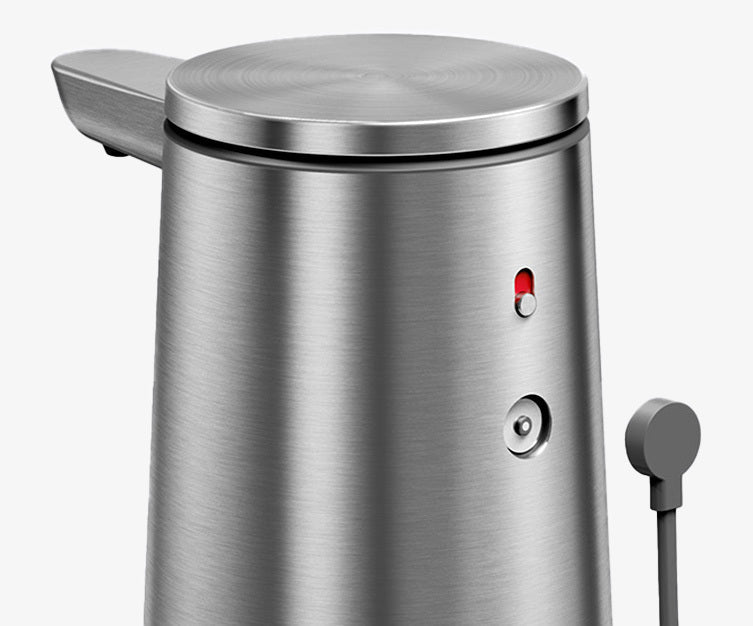
Our magnetic charging puck provides a quick charge that will last 4 months.

Always Spotless

Water-resistant for easy rinsing.

Frequently Asked Questions

How long to fully charge?

Charging from a low battery or lockout mode to full takes about 3 to 5 hours.

Unit is not charging.

  1. Press and hold power button for 2 seconds to make sure the unit is on (green indicator light).
  2. Ensure the charging puck's magnetic tips are securely attached to the unit's charging dock magnets. The cord should be facing away from the dispensing valve.
  3. If you do not see a blinking green indicator light while charging, the unit battery power could be low, so wait 5 minutes to see if it appears.
  4. If the unit is still not charging, inspect cable for any abnormalities. If seen, discontinue use and contact Customer Support. Make sure the USB power adapter is working and rated at 5V and 1A, or check your power socket.

Unit is not dispensing even if charged. Unit is not turning on.

Pump needs to be reset:

  1. Switch the unit off for 5 seconds, then attempt to switch the unit back on.
  2. Wipe the sensor window clean. Rubbing alcohol and a microfiber cloth are recommended.
  3. From the the powered-on position, completely cover the sensor window with your hand and toggle the power switch off, on, off, on within 2 seconds to trigger a continuous dispense mode. Stop this mode by removing your hand from the sensor window.

Unit is not dispensing even if charged. Unit is not turning on.

Pump needs to be reset:


- To reset/activate continuous dispense mode:

  1. Plug the charger into both a wall outlet and the sensor pump.
  2. With the pump powered on, completely cover the sensor window with a finger.
  3. While keeping the sensor covered, toggle the power switch off → on → off → on within 2 seconds. This will activate continuous dispense mode.
  4. To stop the flow, simply remove your hand from the sensor window.


If the dispenser remains clogged:

  1. Fill the reservoir with warm water and repeat the steps above. This can help flush out any buildup inside the pump mechanism.

Pump dispenses too little foam.

  1. To control the amount of soap desired, position your hand up close to the sensor for a little soap and farther away for more.
  2. Check if biggest diameter straw (blue in color) is installed.
  3. Add 1-2 tablespoon(s) of rubbing alcohol or water as some soaps can become too thick with time.
  4. Turn the unit on and re-prime the pump by completely covering the sensor window, then pressing the power button 3 times quickly. Note that this will make the pump run continuously until the sensor window is uncovered.

Liquid is dispensing instead of foam.

  1. Clean the sensor using a microfiber cloth and rubbing alcohol.
  2. Move the unit to a different location away from any close objects.
  3. To reset, press and hold the power button down for 5 seconds; then press the power button for 2 seconds to turn on the unit.