

Variable Dispense
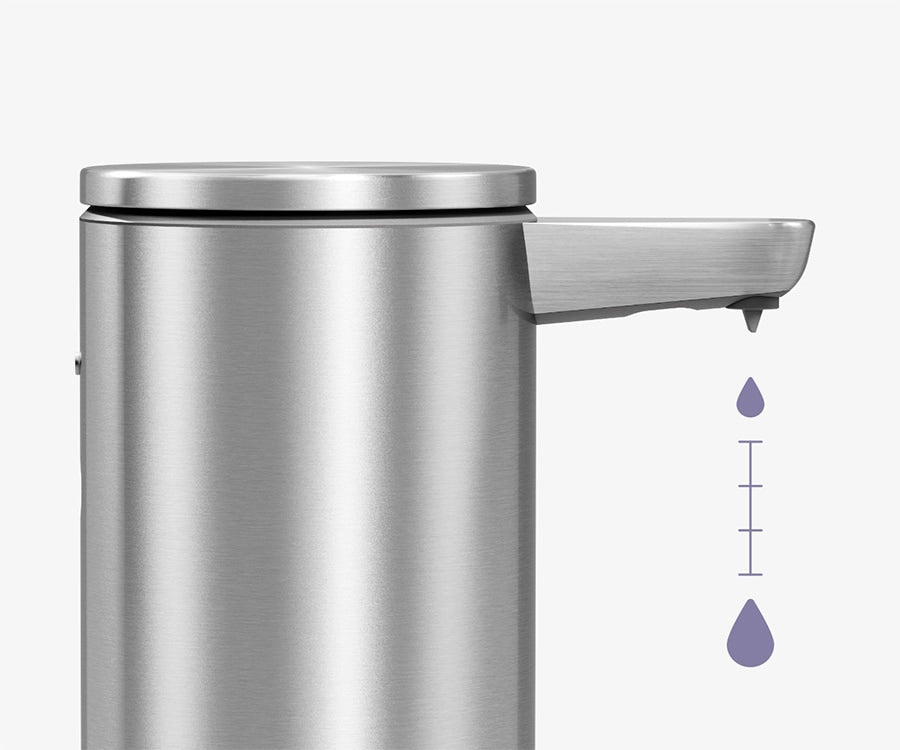
End waste with precision dispensing — the perfect amount, every time.
End waste with precision dispensing — the perfect amount, every time.
An easy-to-reach charging port on the back allows for a single charge to last up to four months.
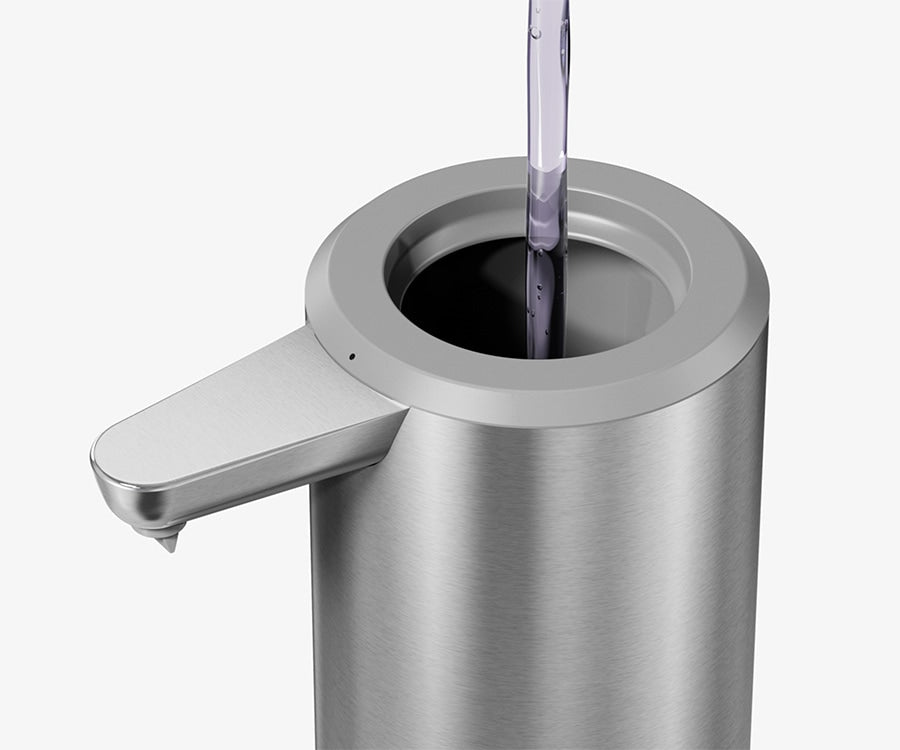
Enjoy effortless refills through the wide opening, compatible with any soap of your choosing.
Our efficient pump system forces soap through an air-tight tube in a fraction of a second without messy drips.
End waste with precision dispensing — the perfect amount, every time.
An easy-to-reach charging port on the back allows for a single charge to last up to four months.
Enjoy effortless refills through the wide opening, compatible with any soap of your choosing.
Our efficient pump system forces soap through an air-tight tube in a fraction of a second without messy drips.
Sensor pump may be clogged.
Pump needs to be reset:
Ensure the charging puck is connected to the base of the unit.Upon connecting the charging puck, a white pulsing light should appear. If the unit is fully charged, the pulsing light will change to a solid white light. If the unit still needs to be charged, the pulsing light will continue until the unit is fully charged.If there is no white pulsing light, check the following:
The air vent cutout might be clogged. Gently wipe any soap residue from around the white seal under the lid.
A solid white light indicates the unit is fully charged and displays when the unit is powered on. A pulsing white light indicates the unit is charging. A solid red light indicates the unit low on charge.
3-4 hours or until a solid white light is displayed.
Lightly pull the rubber spout to wipe any dried residue.
Don't know your liner code? Not a problem! Locate your liner ID tag under every trash can lid.