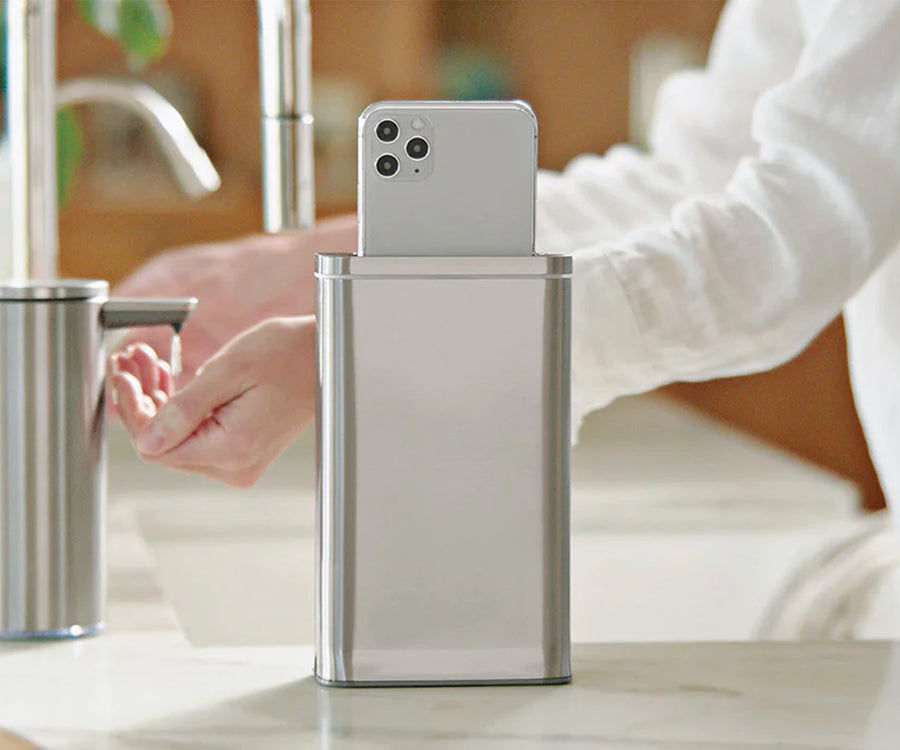
Clean Phone, Clean Hands
Clean your phone while you wash your hands for a truly clean routine.
Clean your phone while you wash your hands for a truly clean routine.
Sanitizes 99.9% of your phone’s surface in 30 seconds (no one is faster).
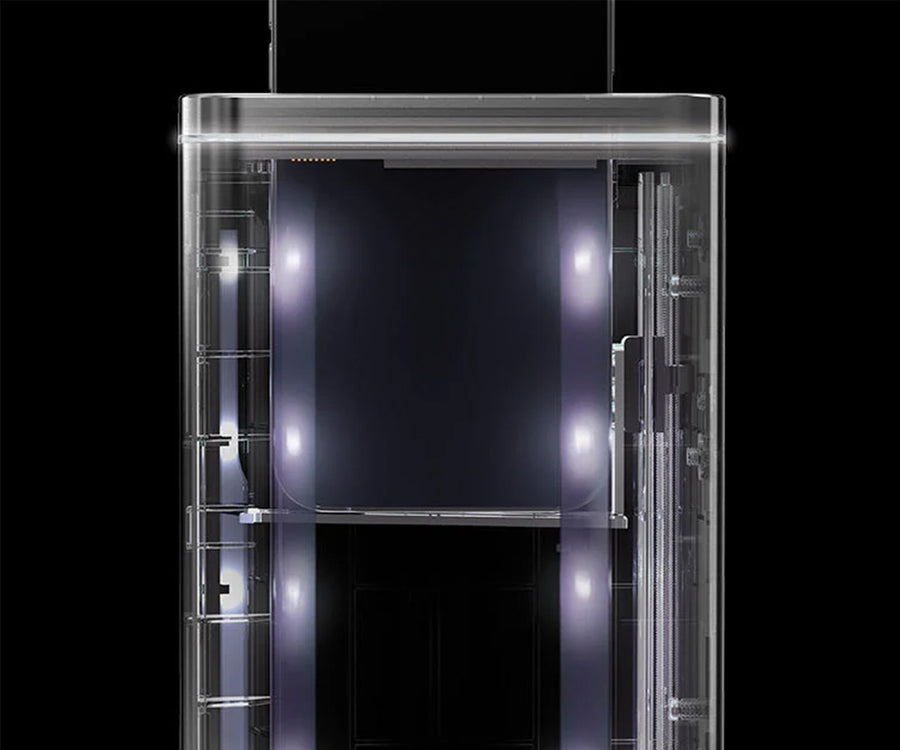
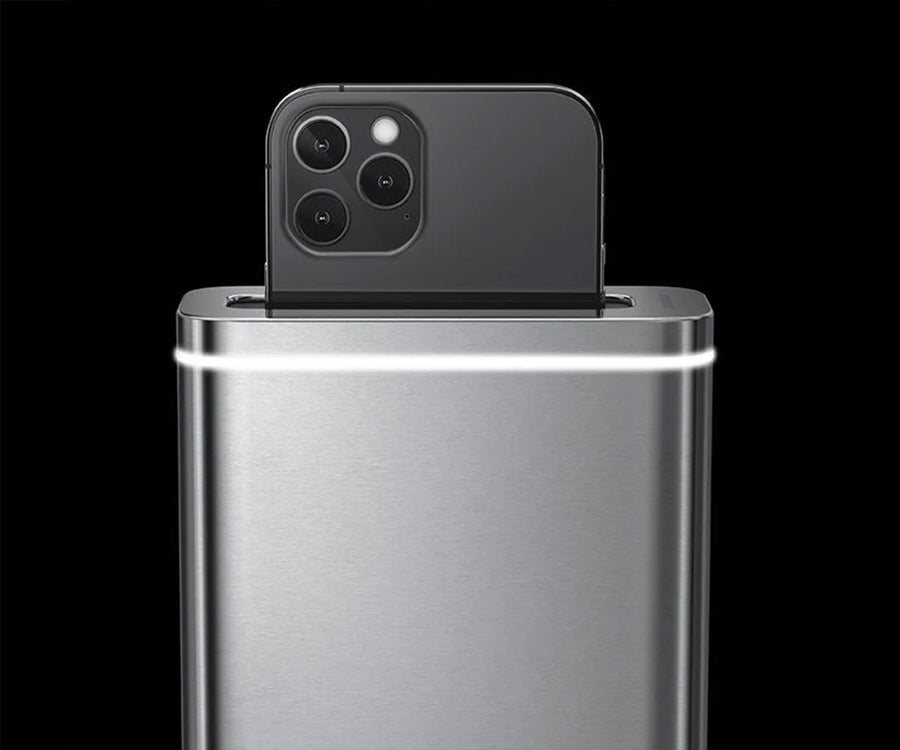
Phone automatically lowers and raises again without you touching the device.
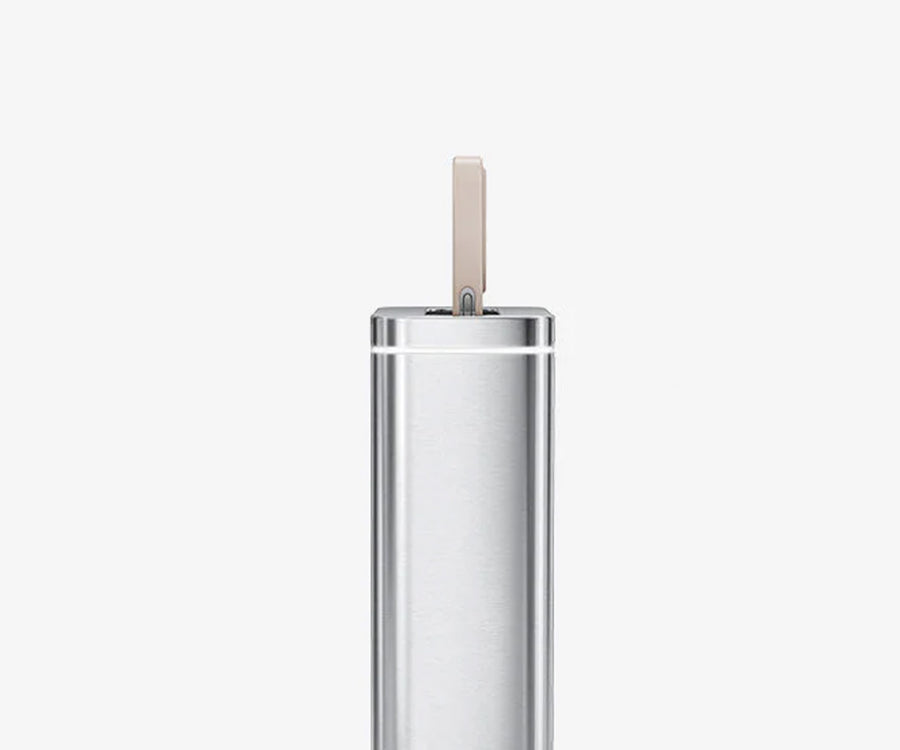
Slim enough to fit exactly where you need it and stable enough to stay there.
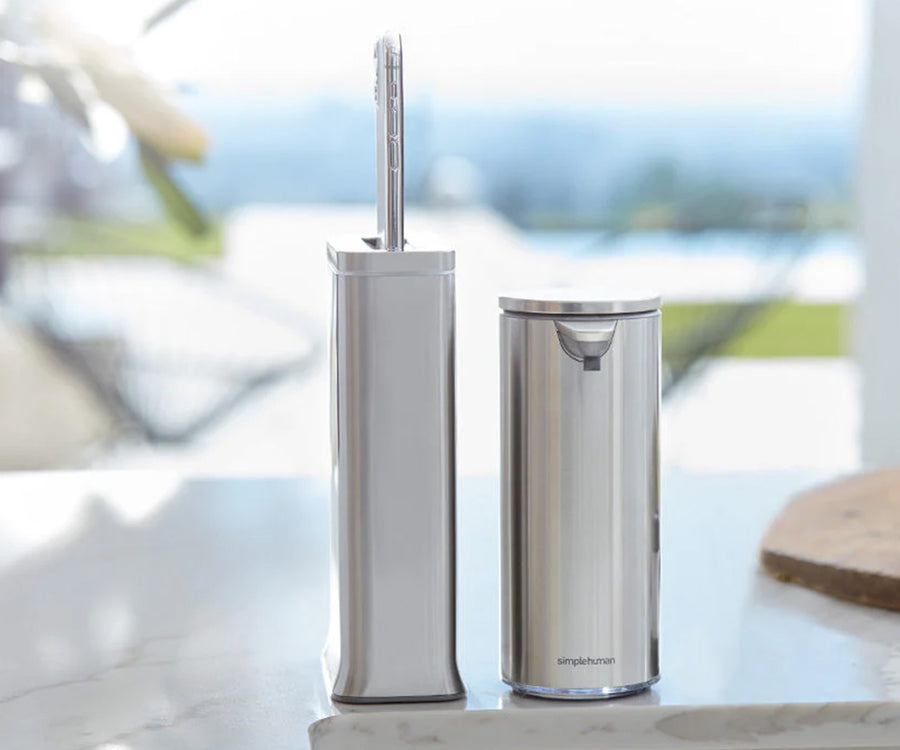
Keep your cleanstation by the sink so you can wash your hands with our sensor pump while your phone sanitizes.
Clean your phone while you wash your hands for a truly clean routine.
Sanitizes 99.9% of your phone’s surface in 30 seconds (no one is faster).
Phone automatically lowers and raises again without you touching the device.
Slim enough to fit exactly where you need it and stable enough to stay there.
Keep your cleanstation by the sink so you can wash your hands with our sensor pump while your phone sanitizes.
Check power connection and ensure cleanstation is plugged in.
Check button located at the bottom of cleanstation to turn chime ON or OFF.
Phone might be too tall. Remove phone case and try again.
Cleaning cycle was interrupted. Remove phone and reinsert. Do not open door while phone is sanitizing.
Cleanstation needs to be reset:
To remove phone, disconnect cleanstation from power and flip upside down. Connect back to power and wait 5 seconds before using again.
Phone may be too heavy or obstructed from ejecting. To ensure phone ejects properly, remove case or remove obstruction from above unit (e.g., short shelf) and try again.
Don't know your liner code? Not a problem! Locate your liner ID tag under every trash can lid.